Give the screens different jobs
There's a particular sort of optimism involved in connecting a second monitor. Suddenly there's so much room. Your notes can go over there, the essay over here, perhaps a timer in the corner and a little music player somewhere just in case.
Ten minutes later, both screens are full, nothing is quite where you left it, and you're moving the cursor back and forth like an air-traffic controller.
The most useful dual-monitor study setup starts by giving each display a different job. The first is for the work itself. The second supports the work without becoming another assignment.
If you're writing, the main screen could hold your document and immediate research. The second could show a reference page, one small task and a calm background. If you're revising, the main screen gets the practice questions and the second gets the answer sheet or your timer. Resist filling every spare pixel simply because it exists.
Layout one: the quiet companion screen
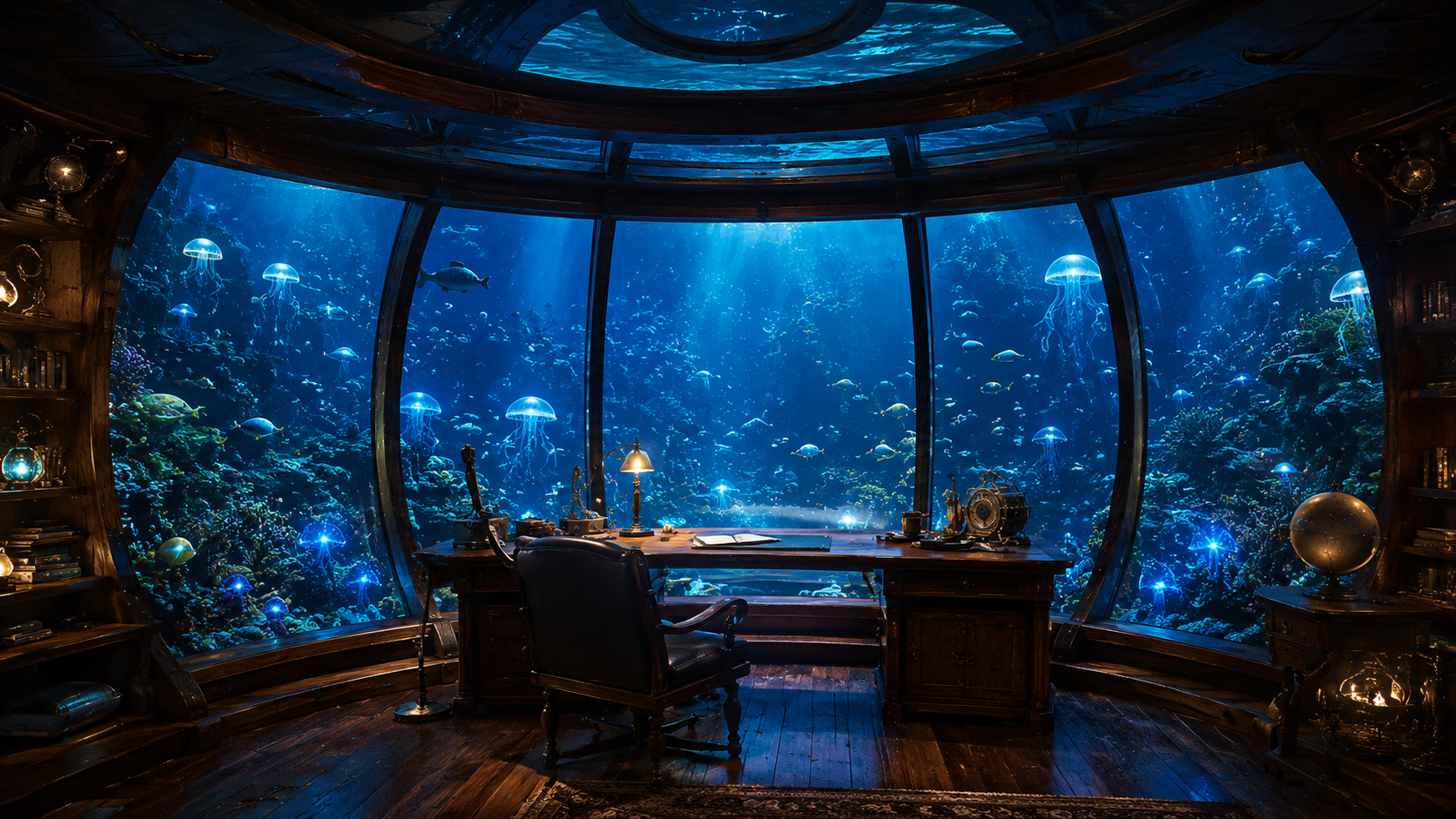
This is my favourite arrangement for a long evening. Put your actual work on the screen directly in front of you. On the second, open a gentle visual world: an aquarium-inspired scene, a rainy room or something with the warm colours of an evening library.
Keep a little focus timer where you can glance without squinting, and perhaps a small reminder of what you're trying to finish. Leave a generous amount of space empty.
In Calphii, you can arrange the widgets around the visual world instead of accepting a fixed dashboard. The room might hold Deep Focus, some quiet ambience and your next task. A tiny Pixel Pet can make the display feel inhabited without giving it a full-time job.
The aim is to look at the second screen and feel settled, then look straight back at the work.
Layout two: the serious reference desk
When you're reading a research paper, learning code or working through maths, a second monitor is best used for genuinely relevant material. Keep your document or exercise on the main screen. Put the source, worked example, diagram or reference book on the second.
You can still have a pleasant environment. Choose a static, soft-coloured background and let ambience play at low volume. Keep the timer modest or minimise it. You'll probably get more use out of a clearly readable equation than an enormous animated clock.
Be fussy about eye level and text size. Moving your head constantly towards a small screen on the far side of the desk gets old quickly. Put the reference material where it's comfortable to read.
Layout three: study-with-me, without watching the whole time
If you enjoy the company of a study-with-me video, the second monitor is a natural home for it. The main screen stays with the essay or notes. The other becomes the corner of a library table, a café or somebody else's softly lit desk.
Choose a video that isn't full of visual surprises. You don't have to match the video creator's timer, either. If you're following your own schedule, keep a separate focus clock and treat the video as company rather than instruction.
Leave videos visible while they're playing. For a soundtrack without video, choose radio, music or ambience directly. That gives the second screen a clear job instead of quietly turning a video player into an invisible background tab.
The almost-empty second monitor is underrated
Not every study session needs a little digital village running beside it. For hard reading or problem-solving, an almost-empty screen may help more. A small clock, one line with the current goal, perhaps a single still image. Nothing updating every thirty seconds.
If a visual animation is making you turn your head repeatedly, try a still scene. If the timer is making each minute feel painfully visible, make it smaller or use a simple end alert. A useful companion screen can be calm enough to forget for ten minutes at a time.
There is a helpful way to test this. After one block of work, think back to how often you looked at the second screen. If you mostly looked to check a reference or enjoy a brief pause, the arrangement is probably doing its job. If you spent the whole block fine-tuning widgets, the room needs fewer things.
Make the sound belong to the room, not to a tab
One of the pleasures of keeping a focus room on a second screen is giving your audio a home. Instead of hunting among tabs to discover which one is producing the rain, you know where the sound controls live.
Try a low fireplace layer for writing, steady rain for reading, or nothing at all for an especially demanding session. Calphii can combine its own ambient layers with music or radio, letting you create something more personal than a single fixed playlist.
The important thing isn't the exact mix. It's having an atmosphere you can set once and stop thinking about.
If you only have one screen
You can still use the idea. Open a small window for a timer and a little world, or arrange your work and Calphii Space side by side on a larger laptop display. On a small laptop, the document should win the space argument. Use your room as a place to set the sound and focus interval, then come back to it during breaks.
It might be tempting to turn a phone into a tiny second dashboard, but that can invite notifications, messages and the infinite supply of interesting things that live on a phone. If it works for you, fine. If not, keep the setup on the laptop.
Leave a window for tomorrow
The real advantage of a second monitor isn't having twice as many things to manage. It's being able to keep your work clear while a little bit of atmosphere remains nearby.
At the end of the evening, close what you're done with. Keep the next reading or task easy to find. Leave your digital room looking familiar rather than abandoned in a state of seventeen open controls.
Tomorrow's study session doesn't need a fresh desk-design project. It needs a good place to begin.
Make a Calphii Space for your second monitor, and let it be the gentler screen while you do the important things on the other.